Keep Screenshots
Always on Top
Cut out any area of your screen and keep it floating in the foreground.
Set fixed areas to capture repeatedly without repositioning.
Perfect for creators with powerful drawing and annotation tools.

See SnapDraw in Action
Watch how SnapDraw makes screenshot capture and annotation effortless
Everything You Need
Cut, float, resize, and annotate. All in one powerful tool for creators.
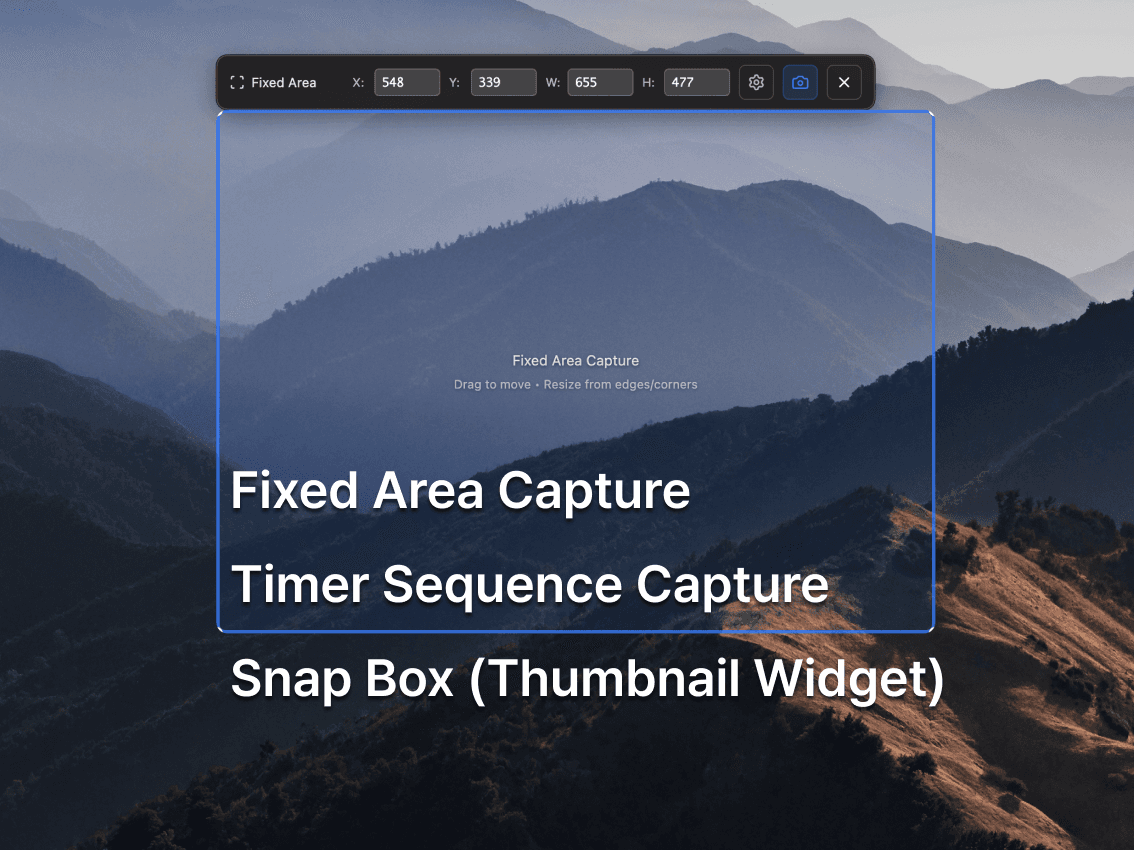
Fixed Area CaptureNEW
Create a resizable frame for any screen region and capture it repeatedly without repositioning. Perfect for monitoring and documentation.
Timer Sequence Capture
Automatically capture screenshots at intervals (1-60 seconds). Perfect for creating tutorials, monitoring changes, or documenting processes.
Snap Box (Thumbnail Widget)
Minimize captures to compact thumbnails in an always-on-top widget. Quick access to all your screenshots with double-click to restore.
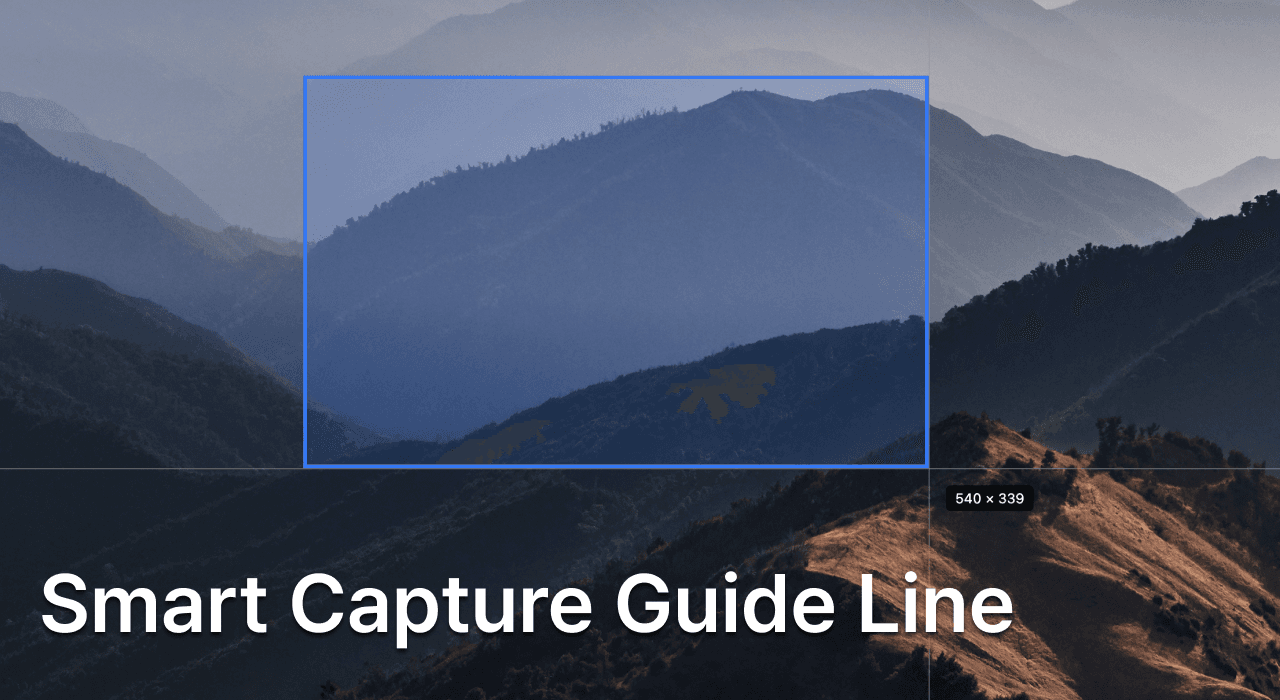
Smart Capture Guide
Visual guide lines for pixel-perfect capture. Select any area with precision.
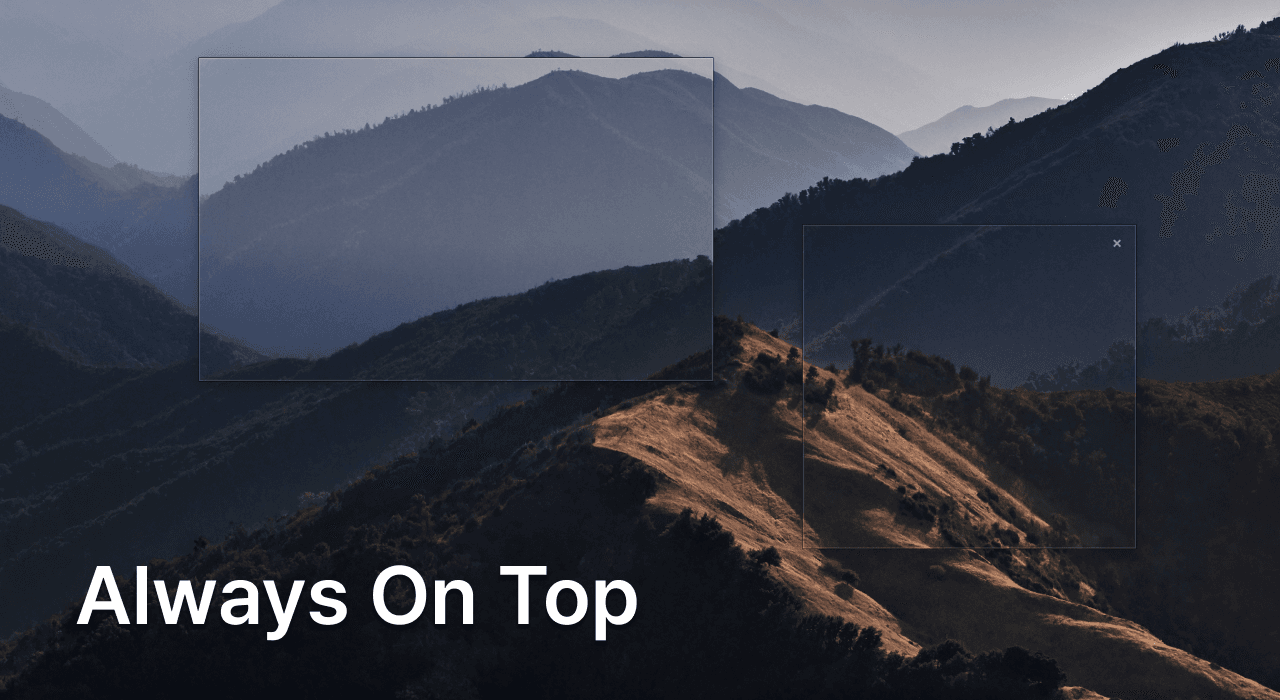
Always On Top
Keep captures floating above all windows. Perfect for reference while working.
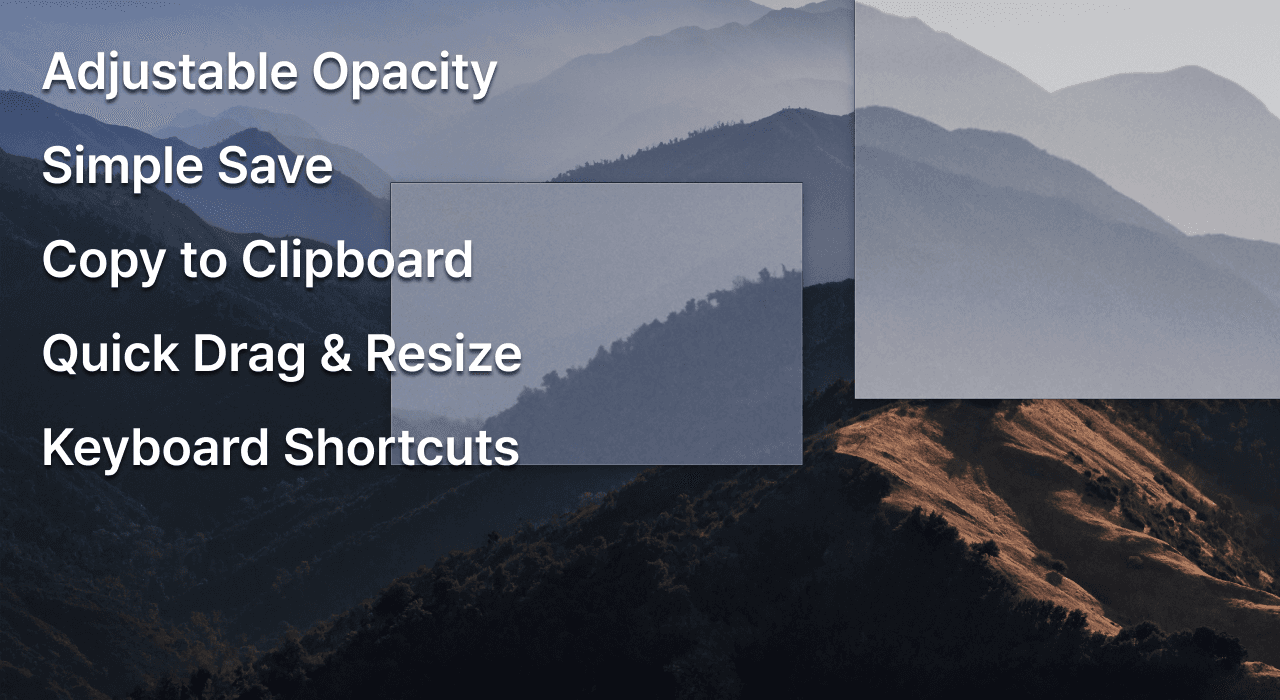
Adjustable Opacity
Scroll to adjust transparency. See through while keeping reference visible.
Drag & Resize
Freely drag and resize floating captures. Position exactly where needed.
Quick Save
Save screenshots instantly with ⌘S. Simple and effortless.
Copy to Clipboard
One-click copy with ⌘C. Paste anywhere, anytime.
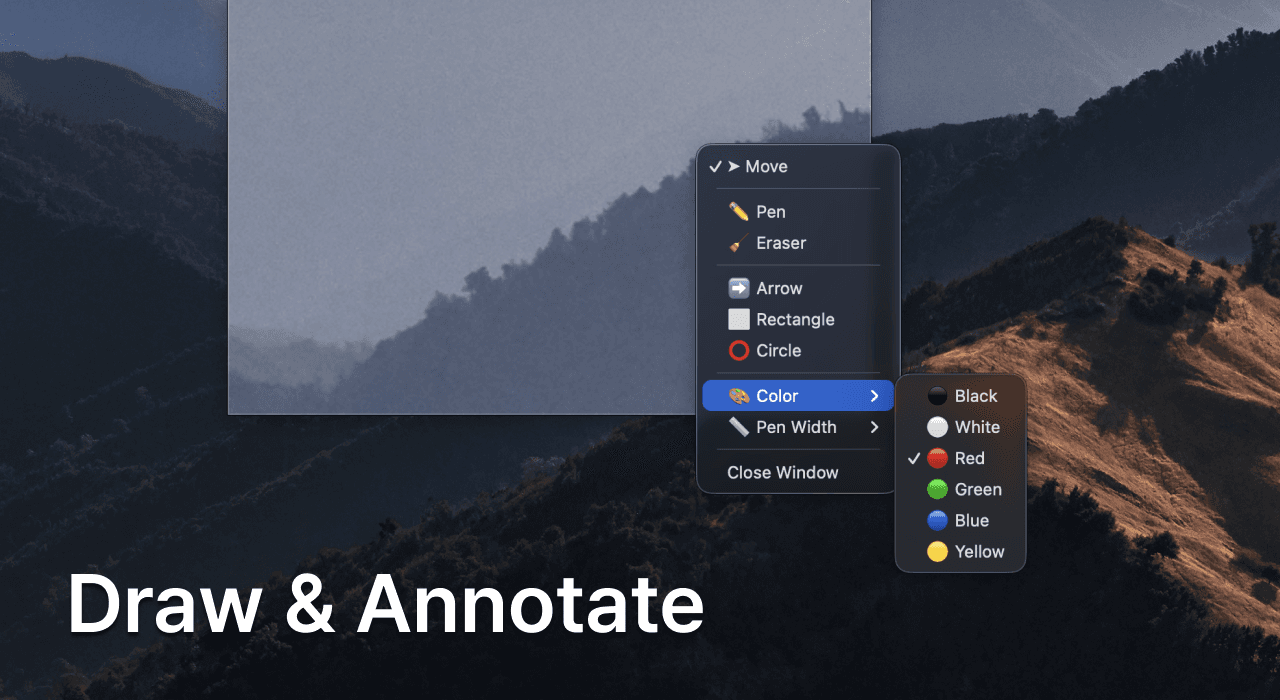
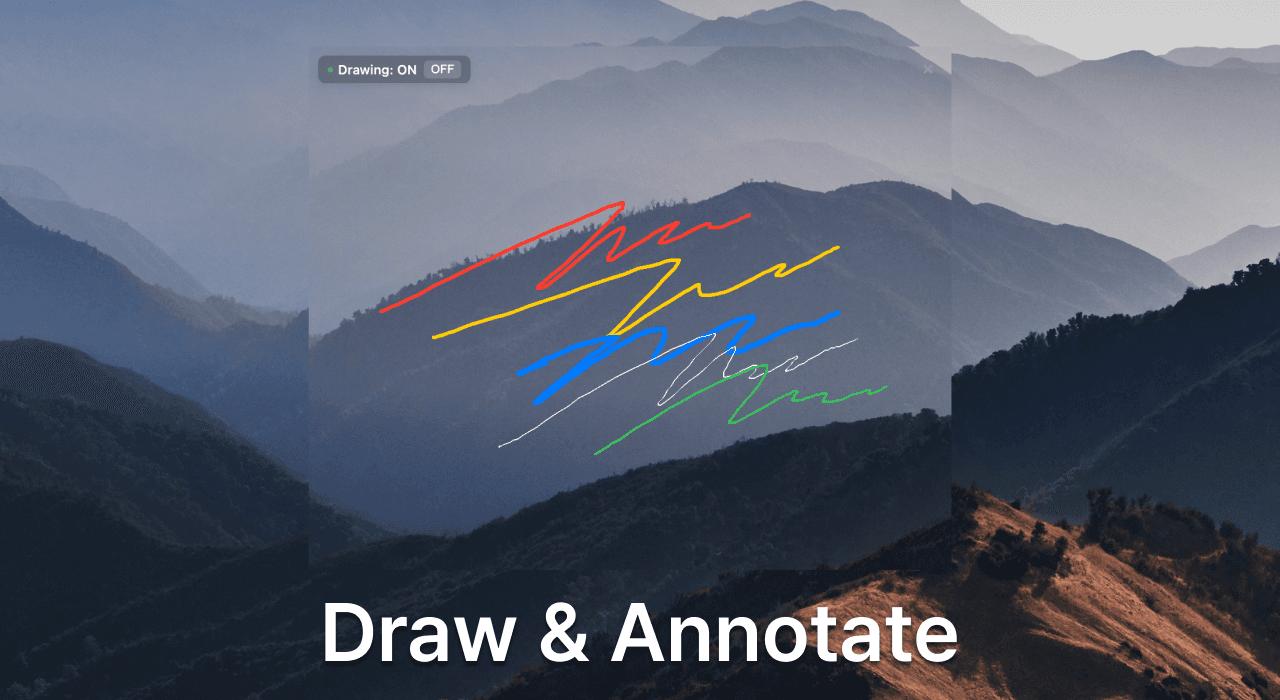
Drawing Tools
Pen, highlighter, and eraser. Draw freely on your captures.
Text Annotations
Add text anywhere. Perfect for notes and explanations.
Arrows & Shapes
Arrows, rectangles, circles. Highlight important areas.
Color Picker
Pick colors from anywhere on screen. Supports HEX, RGB, HSL, and RGBA formats. Instantly copied to clipboard.
Try Free for 7 Days
Start with a 7-day free trial. Full access to all features. Then just $1.99, one-time payment.
SnapDraw Pro
7-day free trial, then one-time payment
- ✅ Smart area capture
- ✅ Always on top floating
- ✅ Adjustable opacity
- ✅ Drag & resize
- 💎 Drawing tools (Pen, Highlighter)
- 💎 Eraser with custom size
- 💎 Text annotations
- 💎 Arrows & shapes
- 💎 Color picker
- 💎 Quick save & copy (⌘S, ⌘C)
- 💎 Keyboard shortcuts
- 💎 Lifetime updates
🎁 7-day free trial - Full access to all features
✨ No subscription. No recurring fees.
💎 One-time payment of $1.99 - Use forever on your device
Frequently Asked Questions
Start Capturing
Smarter Today
Download for free. Capture, float, and view screenshots instantly.
💎 Upgrade to Pro for just $1.99 to unlock drawing & annotation tools.